
Pinterest Business Account vs Personal: Which Should You Buy? | PE2P
Date: 12 July, 2026
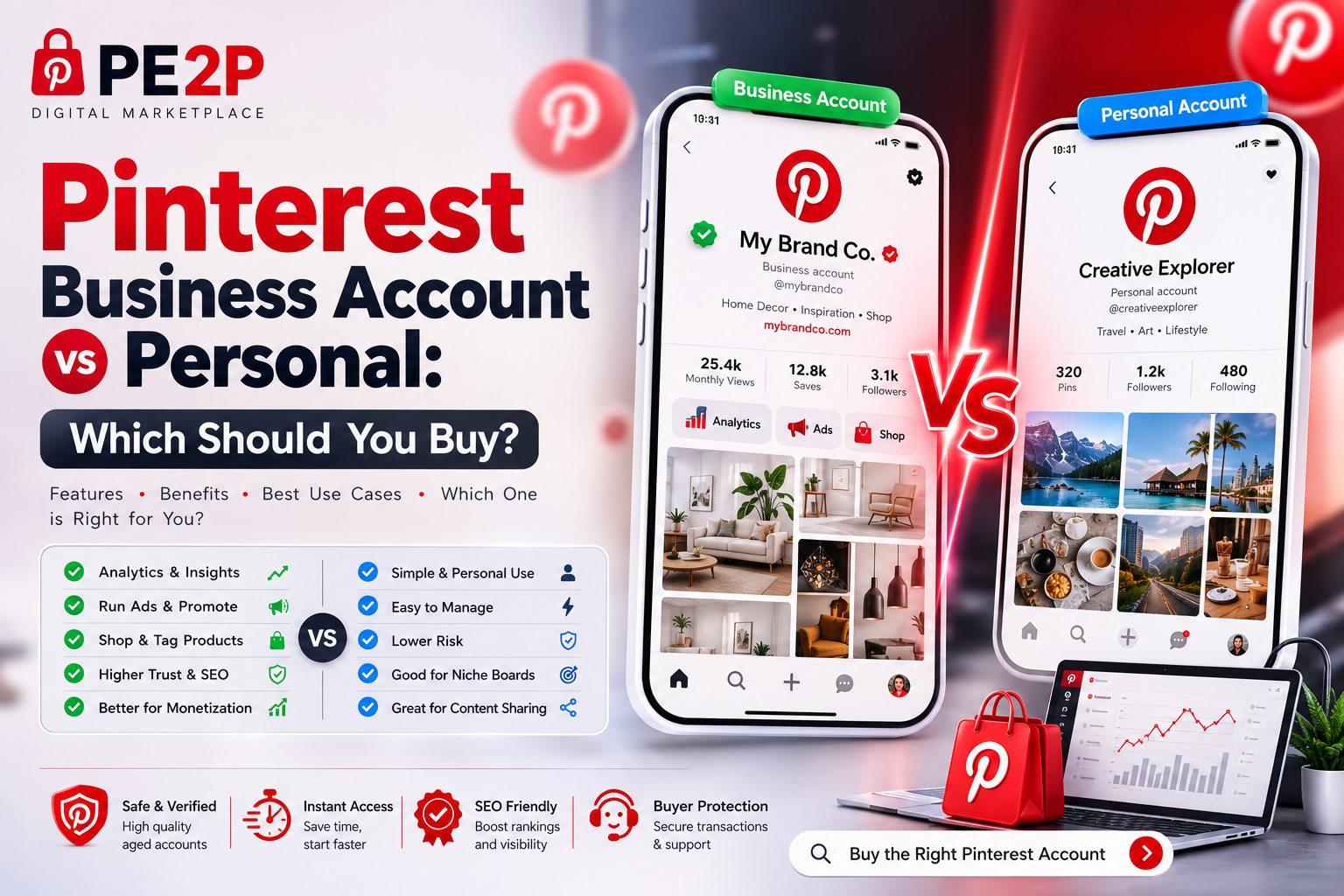
Pinterest Business Account vs Personal: Which Should You Buy?
When you buy a Pinterest account, the first decision you face is whether to use it as a Personal profile or convert it to a Business account. The choice determines what features you unlock, how your pins rank, and whether you can monetize the platform at all.
If you are buying an account for marketing, affiliate income, e-commerce, or client management, the answer is almost always Business. But the differences go deeper than a simple label change. This guide breaks down exactly what you get with each type, why it matters for Pinterest SEO, and how to choose the right listing on PE2P.
Need a Business-ready account? Buy verified Pinterest accounts with full access on PE2P and convert to Business in under 2 minutes.
What Is a Pinterest Personal Account?
A Personal Pinterest account is the default profile type. It is designed for individual users who want to save ideas, create boards, and browse content. You can still post pins, gain followers, and rank in search — but you are locked out of the tools that make Pinterest a marketing platform.
Personal Account Features:
- Create unlimited boards and pins
- Follow other users and repin content
- Basic profile analytics (limited)
- Save pins privately with Secret Boards
- No access to Pinterest Analytics dashboard
- No ability to run ads
- Cannot claim a website or enable Rich Pins
Best for: Casual users, content curators, or buyers who only need a warm profile to repin and build niche boards before converting later.
What Is a Pinterest Business Account?
A Pinterest Business account is a free upgrade that unlocks the platform's full marketing stack. It is designed for brands, bloggers, affiliate marketers, e-commerce stores, and agencies who use Pinterest to drive traffic and sales.
Business Account Features:
- Full Pinterest Analytics: Track impressions, saves, clicks, outbound traffic, and audience demographics
- Rich Pins: Automatic metadata pulled from your website (product prices, article headlines, recipe ingredients)
- Promoted Pins: Run paid ad campaigns directly from Pinterest
- Website Claiming: Verify your domain to get a branded profile and priority in search
- Shop Integration: Connect Shopify, WooCommerce, or Etsy for product tagging
- Idea Pins: Multi-page video and image stories (Business accounts get priority distribution)
- Pinterest Tag: Track conversions and retarget website visitors
Best for: Marketers, affiliate bloggers, e-commerce owners, agencies, and anyone who wants to rank pins and drive traffic.
Side-by-Side Comparison
Table
| Feature | Personal Account | Business Account |
|---|---|---|
| Best for | Individual use, content saving | Marketing, ads, analytics, sales |
| Cost | Free | Free |
| Pinterest Analytics | Basic (profile views only) | Full dashboard with traffic, saves, clicks, demographics |
| Rich Pins | Not available | Enabled automatically after website claim |
| Promoted Pins / Ads | Cannot run | Full ad manager with targeting |
| Website Claiming | Not available | Claim domain for branded profile and SEO boost |
| Shop Integration | Not available | Connect Shopify, WooCommerce, Etsy |
| Pinterest Tag | Not available | Track conversions and build retargeting audiences |
| Idea Pins | Limited | Priority distribution and analytics |
| SEO Impact | Pins rank, but no structured data | Rich Pins + claimed domain = higher search priority |
| Account Conversion | Can upgrade to Business anytime | Can downgrade to Personal (not recommended) |
Why Business Accounts Rank Better on Pinterest
Pinterest's algorithm does not explicitly favor Business accounts over Personal accounts. But the features exclusive to Business accounts create ranking advantages that Personal accounts cannot match.
1. Rich Pins = Structured Data
Rich Pins pull metadata from your website and display it directly on the pin. For product pins, this means live pricing and stock status. For article pins, it shows the headline and author.
SEO impact: Rich Pins get higher click-through rates and are more likely to be saved. Pinterest's algorithm interprets higher engagement as quality, pushing the pin higher in search and home feed.
Personal accounts cannot enable Rich Pins. Even if you post the same image and description, a Business account with Rich Pins will outrank you.
2. Claimed Website = Domain Authority
When you claim your website on a Business account, Pinterest verifies that you own the domain. This unlocks:
- Your logo on all pins from your site
- Priority placement in search for your domain's content
- Access to Pinterest's content distribution network for new pins
SEO impact: Claimed websites get a measurable boost in Pinterest search rankings. Personal accounts cannot claim domains, so they miss this signal entirely.
3. Pinterest Analytics = Data-Driven Optimization
Business accounts show which pins drive clicks, which boards perform best, and which keywords bring traffic. Personal accounts give you almost nothing.
SEO impact: Without analytics, you are guessing. Business accounts let you double down on high-performing keywords, pin formats, and posting times — compounding your ranking gains over time.
4. Ad Campaigns = Accelerated Distribution
Even a small Promoted Pin budget ($5–$10/day) can push a new pin to thousands of users instantly. The engagement signals from that paid boost (saves, clicks, repins) feed back into the organic algorithm.
SEO impact: Ads create a "flywheel" effect. Personal accounts cannot start this flywheel.
Can You Convert a Personal Account to Business?
Yes — and it is free. This is why many buyers on PE2P purchase a Personal Pinterest account and convert it themselves.
How to Convert:
- Log into the purchased account
- Go to Settings → Account Management
- Click Convert to business
- Select your business category (e.g., "Health & Wellness," "Home Decor")
- Agree to the Business Terms of Service
- Your profile is now a Business account
The catch: Conversion is instant, but some features take time to activate:
- Website claiming: Requires adding a meta tag or uploading an HTML file to your domain
- Rich Pins: Requires validating your website through Pinterest's Rich Pin validator
- Shop integration: Requires connecting your e-commerce platform
When to Buy a Pre-Converted Business Account
Some sellers on PE2P list accounts that are already converted to Business with website claims or Rich Pins enabled. These are premium listings worth the extra cost if:
- You need to run ads immediately
- You want to skip the website validation process
- The account already has a claimed domain in your niche
Who Should Buy Which Type?
Table
| Buyer Goal | Best Account Type | Why |
|---|---|---|
| Affiliate marketing | Business | Rich Pins for product roundups + analytics to track clicks |
| E-commerce (Shopify/WooCommerce) | Business (pre-claimed) | Shop integration + product pins with live pricing |
| Blog traffic | Business | Claimed website + Rich Pins for articles = higher search ranking |
| Client management (agency) | Business | Analytics reports + ad manager for multiple clients |
| Testing Pinterest strategies | Personal (cheap) | Convert to Business later if the niche proves profitable |
| Multi-account operations | Personal → Business | Buy cheap Personal accounts in bulk, convert selectively |
| Repinning / curation only | Personal | No need for analytics if you are not driving traffic |
| Seasonal campaigns | Business | Ads + Rich Pins for time-sensitive product launches |
What to Check Before Buying a Business-Ready Account
Not all Business accounts are equal. When browsing Pinterest accounts on PE2P, verify:
Table
| Check | Why It Matters |
|---|---|
| Business account status | Pre-converted saves you 2 minutes, but more importantly means the seller understands the platform |
| Website claimed? | If yes, you must reclaim with your own domain. If no, you start fresh. |
| Rich Pins enabled? | Requires re-validation with your domain, but a good sign the account is marketing-ready |
| Ad account history | Older ad accounts (2+ years) get higher spending limits and lower CPCs |
| Clean history | Business accounts with prior ad policy violations may be restricted |
| Original mail access | Essential for reclaiming the account if Pinterest requests verification |
Pro tip: If you buy a Personal account and convert it yourself, check that the account has no prior Business history with a banned ad account. A clean Personal account converts cleaner than a Business account with strikes.
Common Mistakes When Choosing
Mistake 1: Buying a Personal account and never converting it.
- Result: You miss Rich Pins, analytics, and ads. Your pins rank, but you have no data to optimize.
Mistake 2: Buying a pre-converted Business account with a claimed website you cannot access.
- Result: You must unclaim the old domain and reclaim your own. This triggers a 7–14 day review period where Rich Pins may not work.
Mistake 3: Running ads on a fresh Business account without warming it up.
- Result: Pinterest may flag the account for "suspicious activity" and freeze ad spend. Buy an aged Pinterest account to avoid this.
Mistake 4: Buying a Business account without original mail access.
- Result: If Pinterest requests business verification (tax ID, address), you cannot recover the account.
How to Set Up a Purchased Pinterest Business Account
Follow this sequence after buying:
Step 1: Secure the Account
Change password, update email, enable 2FA, log out all devices. Follow the full transfer checklist.
Step 2: Convert to Business (If Not Already)
Settings → Account Management → Convert to business. Select your niche category.
Step 3: Claim Your Website
Settings → Claimed accounts → Add your domain. Upload the HTML file or add the meta tag Pinterest provides.
Step 4: Validate Rich Pins
Go to the Pinterest Rich Pin Validator, enter a URL from your site, and click Validate. Rich Pins activate within 24 hours.
Step 5: Connect Your Shop (Optional)
If you use Shopify or WooCommerce, go to Settings → Shop and connect your store. Product pins will sync automatically.
Step 6: Install Pinterest Tag
Copy your Pinterest Tag from Ads → Conversions and add it to your website header. This tracks sales and builds retargeting audiences.
Step 7: Run Your First Ad
Start with a $5/day traffic campaign to a high-performing pin. Use the analytics dashboard to optimize.
FAQ: Pinterest Business vs Personal Accounts
Can I switch back from Business to Personal?
Yes, but you lose all Business features — analytics, ads, Rich Pins, and claimed websites. There is no reason to downgrade if you are using Pinterest for marketing.
Does a Business account cost money?
No. The account type is free. You only pay if you run Promoted Pins (ads).
Can I claim multiple websites on one Business account?
Yes, but Pinterest recommends one primary domain per account for the strongest SEO signal.
Will converting to Business hurt my pin rankings?
No. Conversion is instant and invisible to the algorithm. Your existing pins keep their rankings.
Should I buy a Personal or Business account for affiliate marketing?
Business. Rich Pins display product metadata, and analytics show which pins drive affiliate clicks.
Can I run a Business account without a website?
Yes, but you lose Rich Pins and website claiming — two major ranking advantages. At minimum, claim a simple landing page or blog.
Do aged Business accounts perform better than new ones?
Yes. Aged Pinterest accounts carry higher pinner quality scores, which improves both organic and paid distribution.
Related Guides
Quick Checklist: Buying the Right Pinterest Account Type
- [ ] Define your goal: traffic, sales, ads, or curation?
- [ ] Choose Personal for testing, Business for marketing
- [ ] Verify if the account is pre-converted to Business
- [ ] Check for claimed websites (must reclaim with your domain)
- [ ] Confirm original mail access for recovery
- [ ] Secure the account transfer (password, email, 2FA)
- [ ] Convert to Business if needed
- [ ] Claim your website and validate Rich Pins
- [ ] Install Pinterest Tag for conversion tracking
- [ ] Launch first ad campaign or organic pin strategy
Ready to buy a Pinterest account built for business? Shop verified Business-ready Pinterest accounts on PE2P and start driving traffic today.

